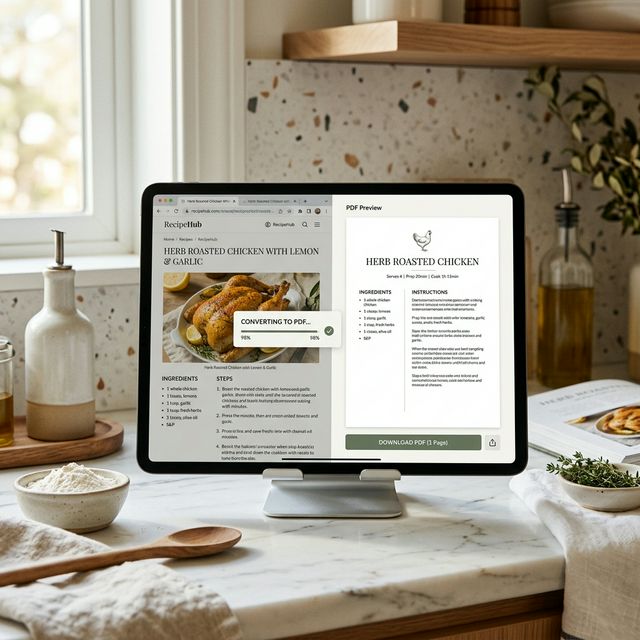
How to Save Online Recipes as a Single Page PDF

We all love food blogs, but the modern online recipe is a nightmare to print. You want the ingredients and the 4 steps to bake a cake, but you are forced to scroll through 4000 words about the author's childhood and endless advertising blocks.
If you try to use your browser's "Print to PDF" tool, you end up with a **14-page document** that wastes ink and ruins formatting. It's time to learn how to isolate the recipe into a 1-page clean PDF!
Method: Smart Web-to-PDF Conversion
Rather than manually copying and pasting text into Microsoft Word, you can use our advanced Engine:
- **Copy the link:** Found the perfect recipe? Copy its URL.
- **Convert:** Paste it into our main dashboard at **[html2pdf.com](https://hosnet.org/tools/html-to-pdf)**.
- **Download:** The server-side API trims and scales the website's viewport, often collapsing endless comment sections and outputting a highly readable, compact document perfect for your kitchen tablet.
This works perfectly for everything from NYT Cooking to small local blogs, helping you start an offline digital cookbook today.


No comments yet