Fix: Webpage Format Broken When Saving as PDF on Phone

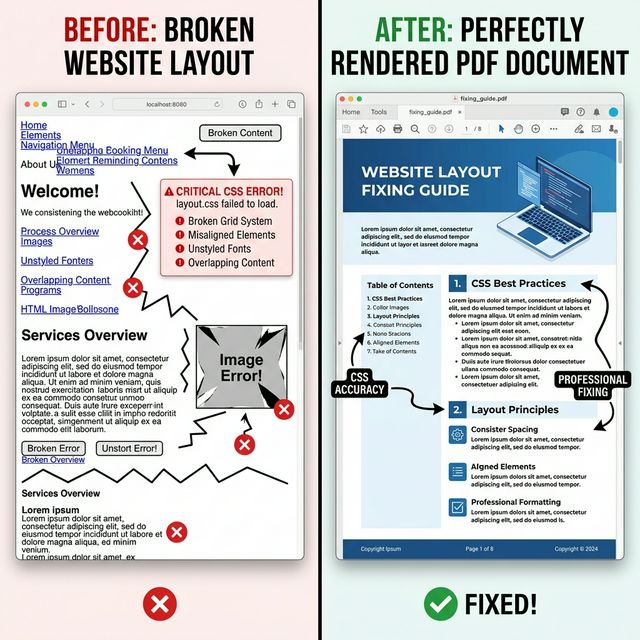
You clicked "Print to PDF" in your mobile browser, but the final document is completely illegible. The text overlaps, images are stretched, and tables are thrown off the page margins. **Why did the webpage format break?**
The CSS Print Conflict
The vast majority of modern websites completely forget to optimize their '@media print' stylesheets. The phone's browser blindly attempts to force a desktop website into a small A4 paper dimension, resulting in a microscopic, chaotic layout.
How to Guarantee Pixel-Perfect Formatting
To avoid broken formats, stop relying on the local browser engine and start relying on a **Virtual Viewport**.
By using an advanced tool like [PDFShift](https://hosnet.org/tools/html-to-pdf), we command the website to render exactly as it would on a 1920x1080 desktop screen, and *only then* slice it beautifully into PDF pages.
The result? The CSS flexboxes and grids are preserved identically to how you see them with your own eyes on a monitor.


No comments yet